# Theme Customisation
Also located in the custom post type "Site Options" is a field group called theme customisation.
This is where you set the defaults for the design of the project.
# Colour palette
The basics are the theme-colours, here you set the main 4-5 colours that a palette is normally made up of.
These colours are accessible via CSS variables var(--color-name) where 'name' is primary/secondary/tertiary/etc.
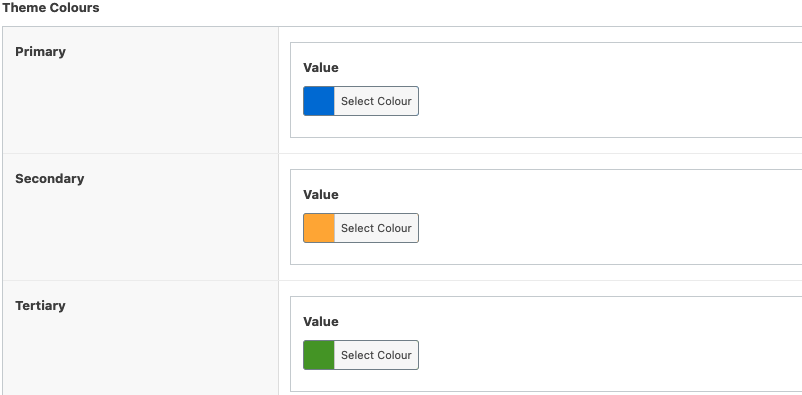
Below the main colours is an "additional colours" which is a repeater field so you can add as many as you want.
You can name these anything you like and just like above, css variables will be generated with whatever name you set. In this case: var(--color-lightgray)

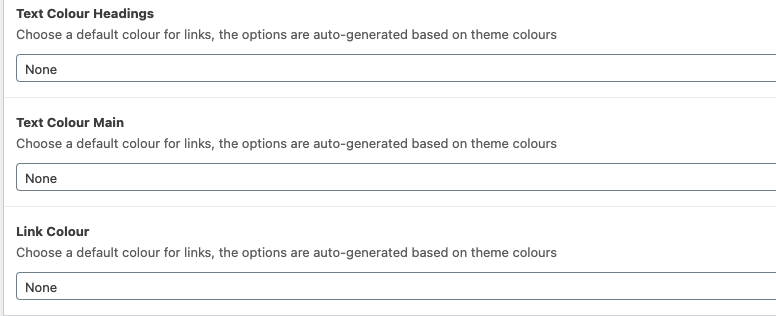
Below the colour inputs are some dropdowns that let you choose which one of your colours should be used for main body copy, headings and links.
# Typography
Enabling this will allow you to set the main fonts for the project using Google Fonts, they require the API to be set above as they send an API request off to Google.
You can select the body, heading and button fonts here, as well as the variants (weights) and subsets (rarely if ever needed).
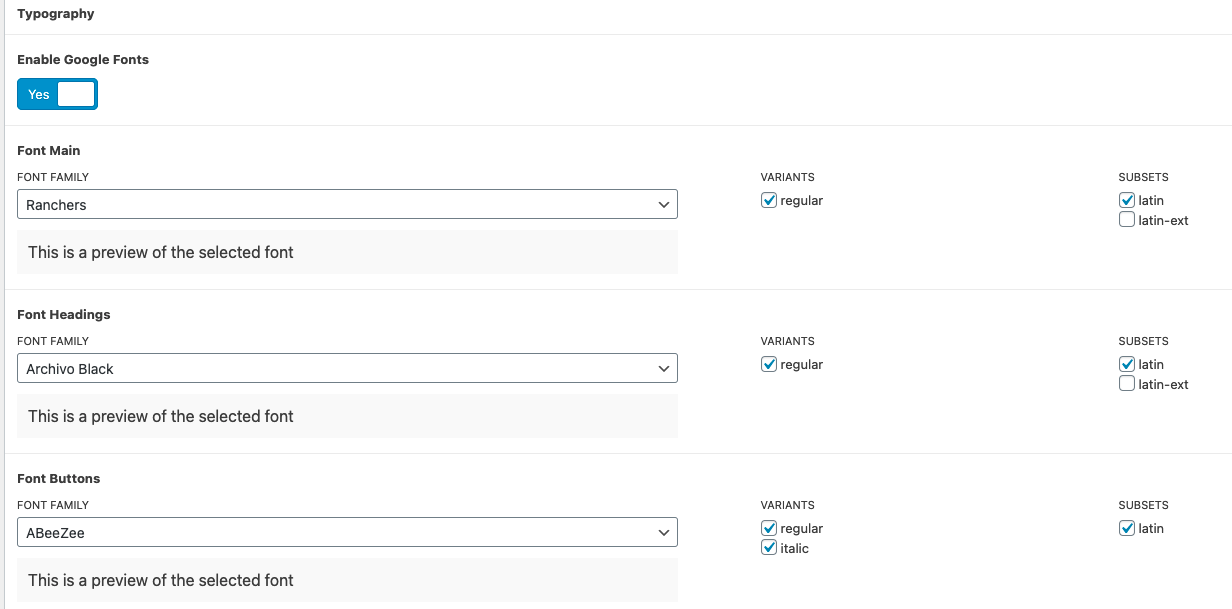
Just like with colours above, these generate css variables that you can use throughout the project. You can access them like this:
.example {
  font-family: var(--font-name); // "--font-main", "--font-headings"...
}
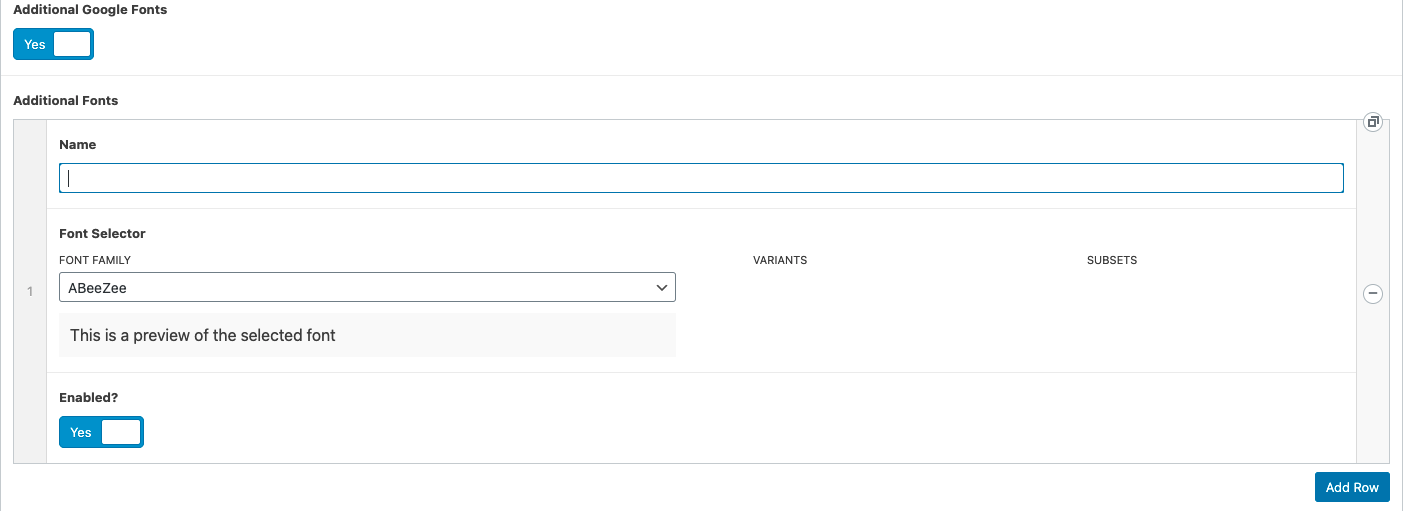
fonts allow you to also add as many extras as you might need using the "additional fonts" options.
# Header
These are just some basic options that are common across most projects.
- Enable top header will show the bar above the main header.
- Always show on mobile will remove the regular desktop menu and always show a hamburger icon
- Main Header Background Colour will... Do what you'd expect.