# BMCB Settings
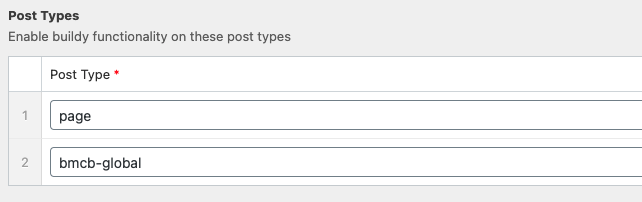
Post Types - You can add any custom post type slug into these rows to allow buildy to be used on those post types. By default the two enabled are:
# GUI Options
- Overwrite mode - Should be disabled by default and only enabled if for whatever reason things aren't saving as expected in modules (e.g you update a title then it shows empty next time you open the module).
- Disable Frontend Files Output? - If you're making something extremely custom you can copy the scss files from the buildy plugin directory and incorporate them into your theme instead, this means updates to the buildy plugin defaults won't affect your styles. This is rare and should be avoided for the most part.
# Layout Defaults
The default column gap is a CSS variable that can alter how big the gap between all columns are for the entire grid system. If the design has consistently larger/smaller gaps, you can alter it here as the global baseline.
Note A really cool feature of CSS variables is that they can be over-ridden with the cascade, just like any CSS property. So for example if there is one section on the website where the gaps are different to the rest of the design, you can add a class to that section and change the gap variable to that section spefically, affecting every column in every row!
.section-gap__small {
  --col-gap: 1rem;
  // Now all columns under this section will be 1rem apart
}
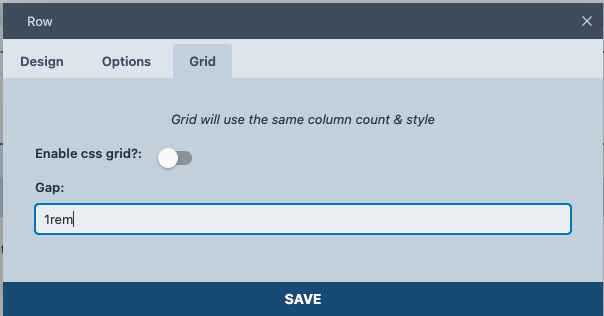
As for rows except it's built into the GUI (under the the grid tab) this will target the columns for that specific row. You don't need to enable css grid here - the Gap option works for both CSS grid and flexbox.
Module Styles require their own dedicated instructions and are under the "Back End" part of these docs.